AutoMix Has Its Uses. Your Albums Aren't One of Them.
- Music
- Design
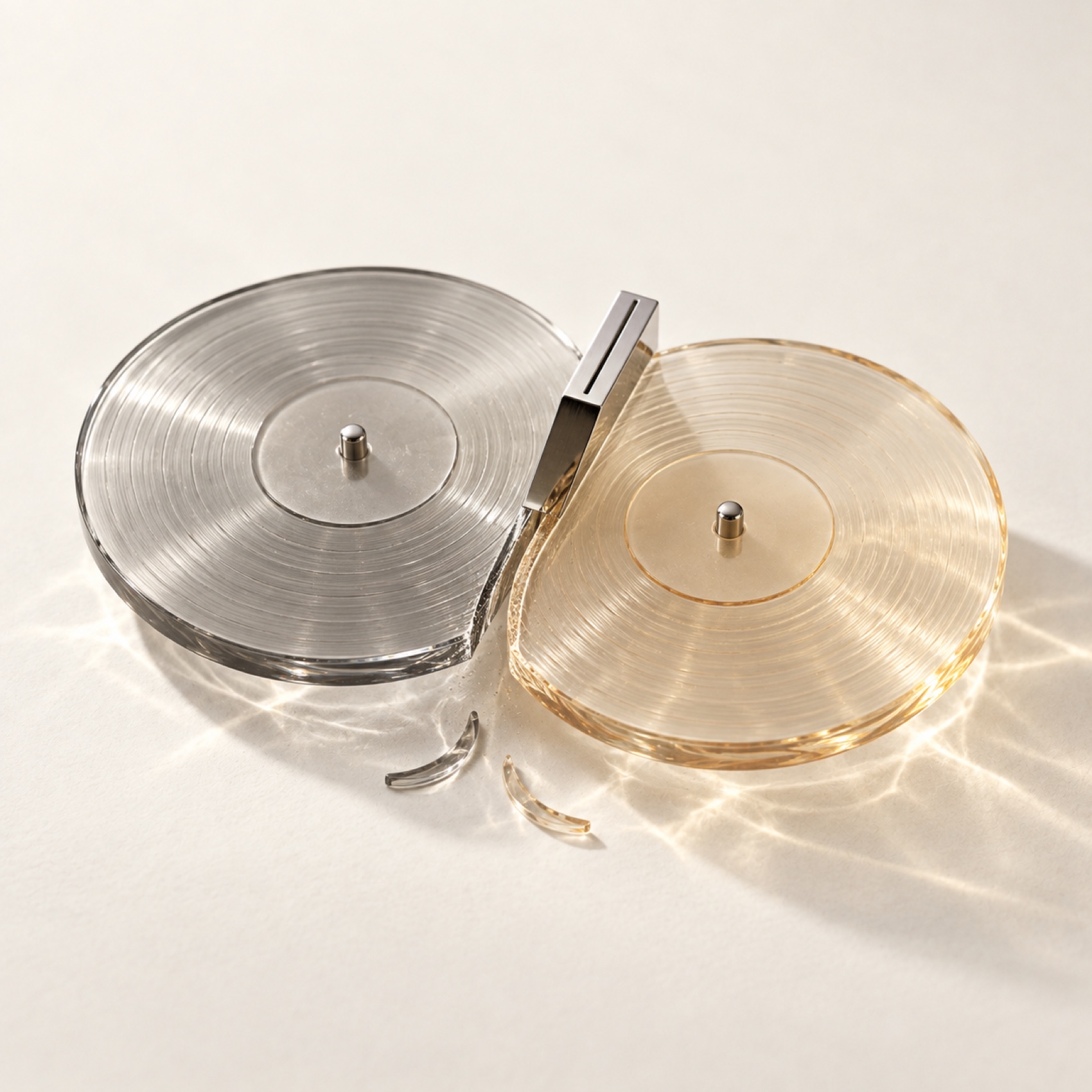
AutoMix is Apple Music's DJ feature, new in iOS 26, using machine learning to beat-match and time-stretch one song into the next. In the right context the idea is reasonable. A shuffle playlist of pop and electronic music where the energy matters more than the endings: sure, AutoMix has a case there.
Instead, Apple enabled it everywhere, with the switch buried in a panel most people never open.
What it does to an ending
When AutoMix decides a transition is due, it doesn't fade. It detects a quiet moment — the natural breath before a song ends, the deliberate decay a producer placed there — and starts the next track on top of it.
In a bad transition, the last stretch of a song can disappear into the beginning of the next one. A track written to end the way it ends has its final chord swallowed. The song coming in often loses its opening bars too. A feature designed to maintain energy maintains it by deciding that endings and beginnings are optional.
The album promise
Apple's line is that AutoMix is smart enough to leave albums alone. The documentation says it won't kick in when an album is played in order, and at launch Apple told reporters it was built not to tamper with an album played the way it was meant to be.
Users report it firing on albums anyway, erratically enough that "smart enough not to touch albums" reads as a hope rather than a promise. If AutoMix is on, assume it will find an excuse to use itself.
The feature also only works on Apple Music subscription tracks streamed straight to the device, not on files from your own library, not on Intel Macs, not on HomePod or Apple TV directly, not on Android or Windows.
Turning it off
There are controls in both the queue and Settings.
The in-app toggle lives in the queue panel. Open the full player screen, tap the queue icon at the bottom right, and look at the row of controls along the top of that panel: shuffle, repeat, and the AutoMix icon, two overlapping circles. Tap it until it dims. Apple documents this as an off switch too. If the setting appears to revert, check the system setting below.
The permanent setting is in the system, not the app. On iPhone and iPad: Settings → Apps → Music → Song Transitions → turn the whole thing off. On Mac: Apple Music → Settings → Playback → Song Transitions → off entirely, or change the dropdown away from AutoMix.
If you like some transition between tracks on shuffle but want the beat-matching gone, leave Song Transitions on and switch the style from AutoMix to Crossfade, then keep the crossfade short. That gives you the blend without AutoMix deciding when your songs end.
For albums, turn transitions off entirely, not because Apple's album protection never works, but because there's no reason to trust it when the alternative costs you nothing.